


Disclosure: we make BlogToPin, so we're biased. We've tried to be straight about where other tools are a better fit, and when staying on Hootsuite makes more sense.
Hootsuite for Pinterest in 2026: what it does well
Hootsuite is built for teams running many social accounts. For Pinterest, you can create and schedule pins to public, private and shared boards, plan them in the same calendar as everything else, and report on them next to your other networks. Its strengths are team features: approvals, permissions, a shared inbox and cross-network reporting.
Current pricing (based on annual billing, per user):
- Standard, from $99/mo: 10 social accounts
- Professional, from $199/mo: unlimited social accounts
- Advanced, up to $399/mo: unlimited social accounts
- Enterprise: custom pricing
There's a 14-day free trial with no card required (trial accounts have daily posting limits and no bulk scheduling). There's no free plan.
Why Pinterest users look elsewhere:
- Cost. $99 a month per user is a lot if Pinterest is the main reason you're paying.
- Pinterest is one network among many. Hootsuite treats a pin much like any other post. It won't turn your blog posts or products into pin designs, and nothing in it is built around Pinterest keywords.
- Solo users pay for team features they don't use.
Prices checked October 2026 on each vendor's site; they change often.
Quick comparison
| Tool | Best for | Pinterest-focused? | Starting price | Free plan / trial |
|---|---|---|---|---|
| BlogToPin | Bloggers and shops who want pins made from their site | Yes, Pinterest only | $39/mo, or $25/mo billed annually | No free trial |
| Tailwind | Pinterest-first creators who design their own pins | Yes | $29.99/mo, or $17.99/mo billed annually | Free to start, no card |
| Buffer | Solo users and small teams on a budget | No | $5 per channel/mo billed annually | Free plan (3 channels), 14-day trial |
| SocialPilot | A cheaper multi-network tool with teams and clients | No | $20/mo, or $17/mo billed annually | 14-day trial |
| Later | Visual planning across Instagram, TikTok and Pinterest | No | $18.75/mo billed annually | 14-day trial |
| Sprout Social | Teams that need deep reporting | No | $79 per seat/mo billed annually | 30-day trial |
| Canva | Designing pins (pair with a scheduler) | No, design tool | Free; Pro $18/mo | Free plan |
1. BlogToPin: pins generated from your website
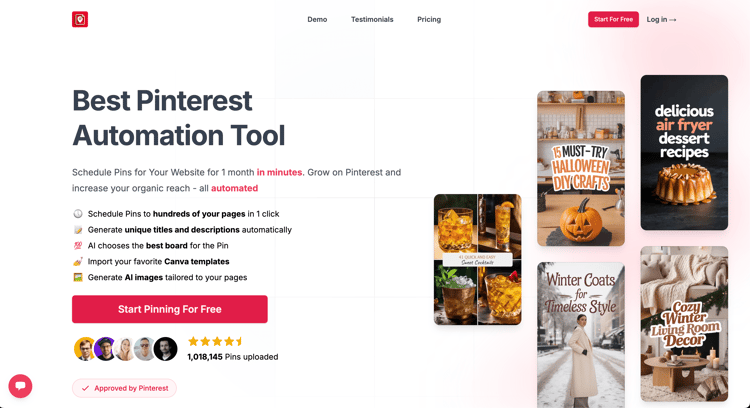
What it is: a Pinterest-only tool. It reads your site (sitemap or RSS feed, or a Shopify or Etsy shop), generates pin designs plus titles and descriptions with AI, picks boards, and schedules the pins spread out around your target keywords.
Good at:
- Producing many fresh pins from existing posts or products
- Templates, including importing your own Canva templates
- Nightly sync that picks up new pages on your site
- Automatically deleting pins that underperform (1 a day on Starter, 12 a day on Agency)
- A warmup schedule for new Pinterest accounts
- Unlimited Pinterest accounts and websites on every plan, which matters if you run several sites
Weaker at:
- Pinterest only. If you leave Hootsuite, you'll still need something for your other networks.
- No team approvals or shared inbox. Team members are only on Enterprise.
- AI images use credits (200 a month on Starter; 0.2 to 1 credit per pin depending on quality). Text and board picks don't.
- Not a great fit if you want to hand-design every pin.
- Creating pins for new posts automatically every day is an Enterprise feature; on other plans you trigger it yourself.
- No free trial. You can set up a site and preview generated pins before you pay.
Price: Starter $39/mo or $299/yr (200 credits, 35 pins a day). Agency $79/mo or $599/yr (400 credits, 350 pins a day, advanced analytics, priority support). Enterprise $179/mo or $1,499/yr (500 credits, 1,000 pins a day, team members, a strategy call).
Pick it if Pinterest is a major traffic source and you want to publish more pins without making them by hand.
2. Tailwind: a Pinterest scheduler for people who design their own pins
What it is: Tailwind has been building for Pinterest since 2012. Its current plans are all Pinterest products, sold per Pinterest account.
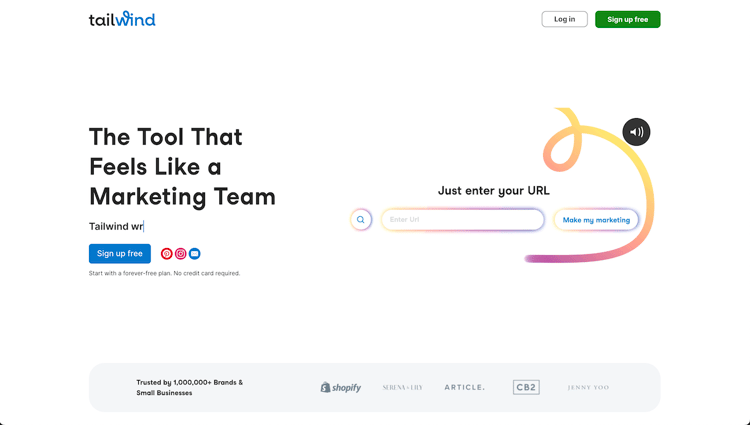
Good at: SmartSchedule posting times, spacing rules for pins that point to the same URL, Tailwind Create for designing several pins at once, Ghostwriter AI copy, SmartPin (a new pin from a URL every week), and a browser extension.
Weaker at: scheduling a pin costs 1 credit, and the same credits pay for SmartPin and keyword searches, so the 300 monthly credits on the scheduling plan mean roughly 300 pins at most. Pinterest SEO and Engagement are separate products. No other networks.
Price: Pin Scheduling & Creation is $29.99/mo, or $17.99/mo billed annually, with 300 credits. Free to start, no card.
One caution that applies to any scheduler: older Pinterest advice was to save the same pin to lots of boards. Pinterest's own guidance now is to avoid repeatedly saving the same pins and to publish fresh ones instead.
Pick it if you want a cheaper, Pinterest-specific scheduler and you're happy designing pins. See Hootsuite vs Tailwind.
3. Buffer: simple and cheap
What it is: a straightforward scheduler for many networks, priced per channel.
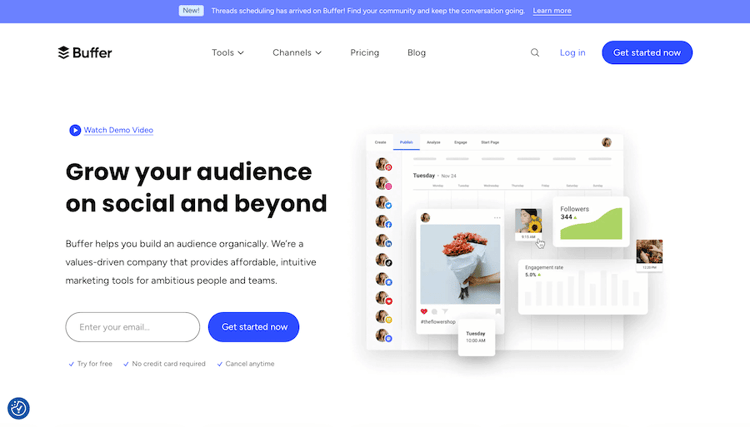
Good at: ease of use and price. The free plan covers 3 channels with 10 scheduled posts per channel at a time.
Weaker at: Pinterest gets the basics. Business accounts get auto-publishing and basic analytics. Lighter team workflow than Hootsuite.
Price: Essentials $5 per channel/mo, Team $10 per channel/mo (billed annually). 14-day trial on paid plans.
Pick it if you're a solo user or small team and Hootsuite's team features were never the point. See Buffer vs Hootsuite.
4. SocialPilot: Hootsuite-style features for less
What it is: a multi-network scheduler with users, client management and bulk scheduling. Pinterest is one of its supported networks.
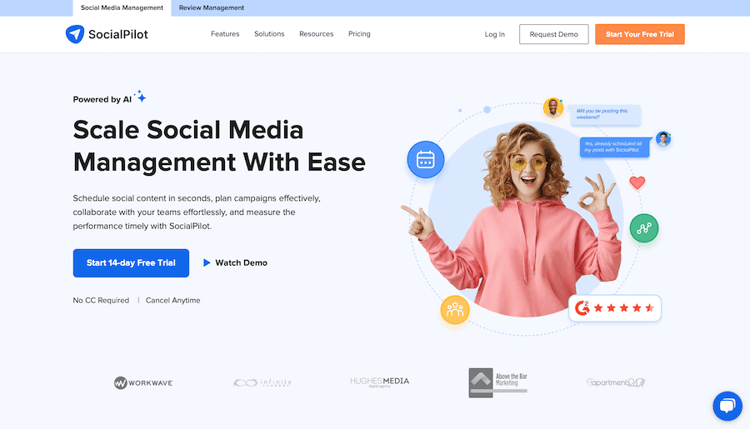
Good at: price per account compared with Hootsuite, and team seats included in the plan rather than charged per user.
Weaker at: nothing Pinterest-specific: no pin design, no keyword logic.
Price: Essentials $20/mo (5 accounts, 1 user), Standard $40/mo (10 accounts, 3 users), Premium $100/mo (20 accounts, 6 users). About 15% less billed annually. 14-day trial.
Pick it if you need most of what Hootsuite does across networks but not the price. See Hootsuite vs SocialPilot.
5. Later: visual planning

Good at: a visual calendar across Instagram, TikTok, Pinterest and five other networks. It auto-publishes image and video pins.
Weaker at: Starter allows 30 posts per profile per month, and Pinterest analytics history is capped at 3 months on every plan.
Price: Starter $18.75/mo, Growth $37.50/mo, Scale $82.50/mo (billed annually). 14-day trial, no free plan.
Pick it if you're a small, visual-first brand where Pinterest is one of several channels. See Hootsuite vs Later and our Later alternatives.
6. Sprout Social: deeper reporting
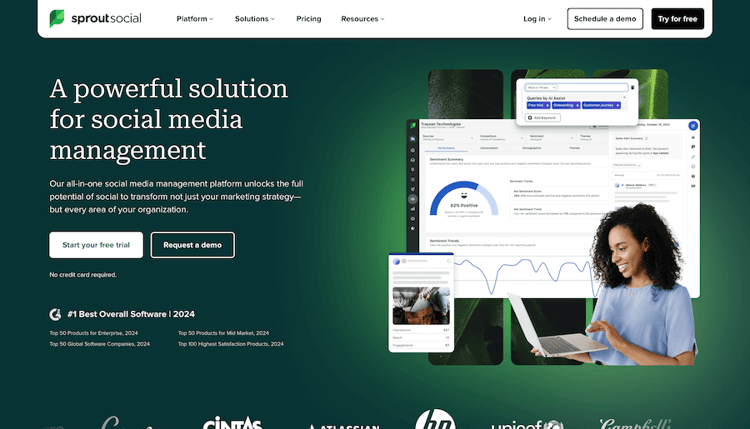
Good at: analytics and reporting, including a dedicated Pinterest profiles report. Sprout is a Pinterest Marketing Partner.
Weaker at: it isn't cheaper than Hootsuite for most teams, and it's per seat.
Price: Essentials from $79 per seat/mo billed annually ($99 monthly). Standard from $199 per seat/mo. 30-day free trial.
Pick it if you're leaving Hootsuite because of reporting, not price. See Hootsuite vs Sprout Social.
7. Canva: design first
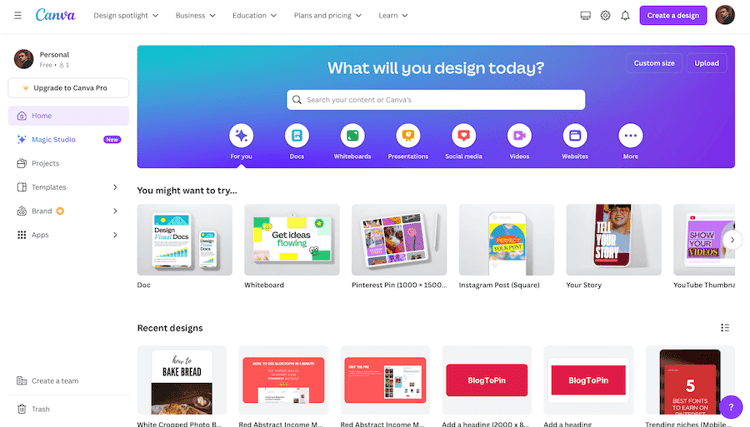
Good at: making pins. Paid plans include Content Planner, which can schedule designs to Pinterest.
Weaker at: volume. You schedule one design at a time, with no Pinterest-specific timing.
Price: free plan; Pro is $18/mo in the US.
Pick it if you need a design tool. It doesn't replace Hootsuite on its own. See Canva vs Hootsuite.
Should you switch at all?
- Stay on Hootsuite if your team relies on its approvals, inbox and cross-network reports. Moving only Pinterest out adds a second tool and a second bill.
- Add a Pinterest tool next to Hootsuite if Pinterest drives real traffic and your pins are the bottleneck. BlogToPin or Tailwind can sit alongside it.
- Switch to Buffer or SocialPilot if you're paying for team features you don't use.
- Switch to Tailwind or BlogToPin if Pinterest is your main channel. Tailwind if you design pins yourself; BlogToPin if you want them generated from your site.
- Try Pinterest's own scheduler first if you post a handful of pins a week. Business accounts can schedule pins and auto-publish from an RSS feed for free.
For keyword-rich pin copy, try our free Pinterest title and description generator. For a wider list of tools, see our Pinterest schedulers roundup.


