


Disclosure: we make BlogToPin, so we're biased. We've tried to be straight about where other tools are a better fit, and when RecurPost is still the right choice.
RecurPost for Pinterest in 2026: what it does well
RecurPost is a multi-network scheduler (10 networks, including Pinterest) built around evergreen content libraries: you store posts in categories and it republishes them on a repeating schedule. For Pinterest it publishes image and video pins through Pinterest's API, supports bulk uploads from CSV or Google Sheets, suggests posting times from each board's own engagement, imports RSS feeds on Personal and above, and reports per board. It's cheap to start.
Current pricing (14-day free trial, no card; no free plan; yearly billing gets 2 months free):
- Starter, $9/mo: 2 social accounts
- Personal, $25/mo: 5 social accounts, 2 RSS feeds
- Agency, $79/mo: 20 social accounts
- Extra accounts: $4/mo each
Why Pinterest users look elsewhere:
- Every Pinterest board counts as one account. RecurPost connects at board level, so 10 boards on Personal means 5 extra accounts: $25 + $20 = $45 a month, before any other networks.
- Recycling and Pinterest don't mix well. Pinterest's help center says to "try not to repeatedly save the same Pins" and warns you "may get flagged as spam." Pinterest also notes a pin can keep getting engagement months or years after it's published, so it doesn't need reposting to stay alive. If you reuse a post, make a new pin with a different image and title rather than putting the same pin on a loop.
- No carousel or Idea pins. RecurPost says Pinterest doesn't allow schedulers to publish those, so this applies to every tool on this list.
Prices checked October 2026 on each vendor's site; they change often.
Quick comparison
| Tool | Best for | Pinterest-focused? | Starting price | Free plan / trial |
|---|---|---|---|---|
| BlogToPin | Bloggers and shops who want fresh pins made from their site | Yes, Pinterest only | $39/mo, or $25/mo billed annually | No free trial |
| Tailwind | Pinterest-first creators who design their own pins | Yes | $29.99/mo, or $17.99/mo billed annually | Free to start, no card |
| Buffer | Cheap, simple multi-network scheduling | No | $5 per channel/mo billed annually | Free plan (3 channels), 14-day trial |
| Hootsuite | Teams managing many networks | No | $99/mo per user (annual billing) | 14-day trial |
| Later | Visual planning across Instagram, TikTok and Pinterest | No | $18.75/mo billed annually | 14-day trial |
| Sprout Social | Reporting-heavy teams | No | $79 per seat/mo billed annually | 30-day trial |
| Canva | Designing pins (pair with a scheduler) | No, design tool | Free; Pro $18/mo | Free plan |
| SocialPilot | Budget multi-network scheduling with teams | No | $20/mo, or $17/mo billed annually | 14-day trial |
1. BlogToPin: fresh pins instead of recycled ones
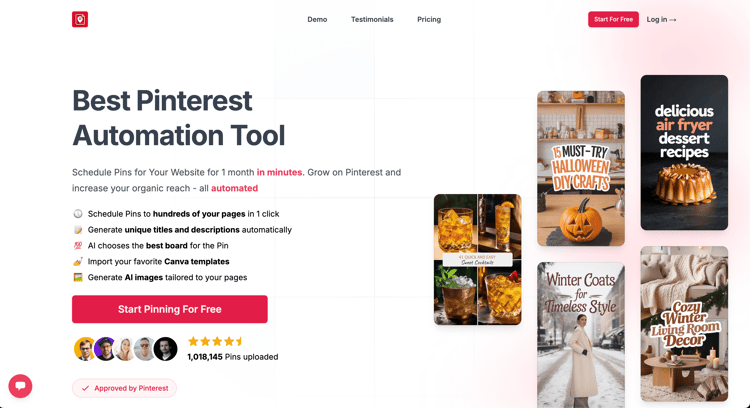
What it is: a Pinterest-only tool. It reads your site (sitemap or RSS feed, or a Shopify or Etsy shop), generates new pin designs plus titles and descriptions with AI, picks boards, and schedules pins spread out around your target keywords. It's the opposite approach to recycling: several different pins per post rather than one pin on repeat.
Good at:
- Turning existing posts or products into many distinct pins
- Templates, including importing your own Canva templates
- Nightly sync that picks up new pages on your site
- Automatically deleting pins that underperform (1 a day on Starter, 12 a day on Agency)
- A warmup schedule for new Pinterest accounts
- Unlimited Pinterest accounts and websites on every plan, and boards aren't counted
Weaker at:
- Pinterest only. RecurPost covers 10 networks; BlogToPin covers one.
- More expensive than RecurPost Starter or Personal if you only need a few boards.
- AI images use credits (200 a month on Starter; 0.2 to 1 credit per pin depending on quality). Text and board picks don't.
- Not a great fit if you want to hand-design every pin.
- Creating pins for new posts automatically every day is an Enterprise feature; on other plans you trigger it yourself.
- No free trial. You can set up a site and preview generated pins before you pay.
Price: Starter $39/mo or $299/yr (200 credits, 35 pins a day). Agency $79/mo or $599/yr (400 credits, 350 pins a day, advanced analytics, priority support). Enterprise $179/mo or $1,499/yr (500 credits, 1,000 pins a day, team members, a strategy call).
Pick it if Pinterest is your main traffic channel and you want a steady flow of new pins from your content.
2. Tailwind: Pinterest scheduling, priced per Pinterest account
What it is: a Pinterest-only scheduler that has been building for Pinterest since 2012.
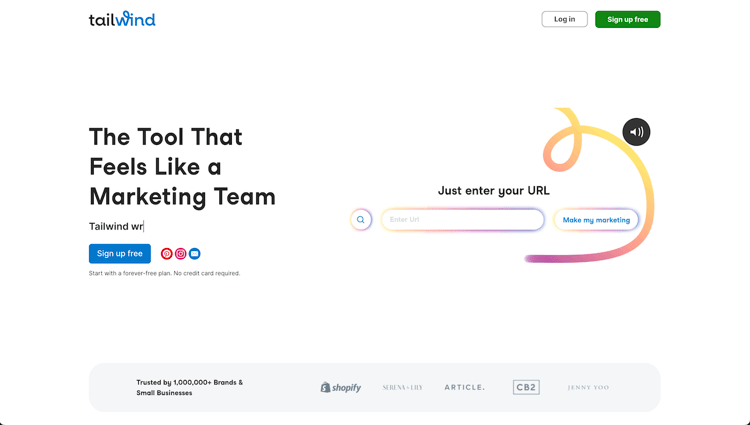
Good at: SmartSchedule posting times, spacing rules for pins that point to the same URL, Tailwind Create for designing several pins at once, Ghostwriter AI copy, and SmartPin, which turns a URL into a new pin every week. That last one covers what many people use RecurPost recycling for, but with a fresh pin each time.
Weaker at: each scheduled pin costs 1 credit, and the 300 monthly credits on the scheduling plan also pay for SmartPin and keyword searches. Pinterest SEO and Engagement are separate products.
Price: Pin Scheduling & Creation is $29.99/mo, or $17.99/mo billed annually, per Pinterest account. Free to start, no card.
Pick it if you design your own pins and want a Pinterest-specific scheduler. See our Tailwind alternatives for more.
3. Buffer: simpler and cheaper for a few channels
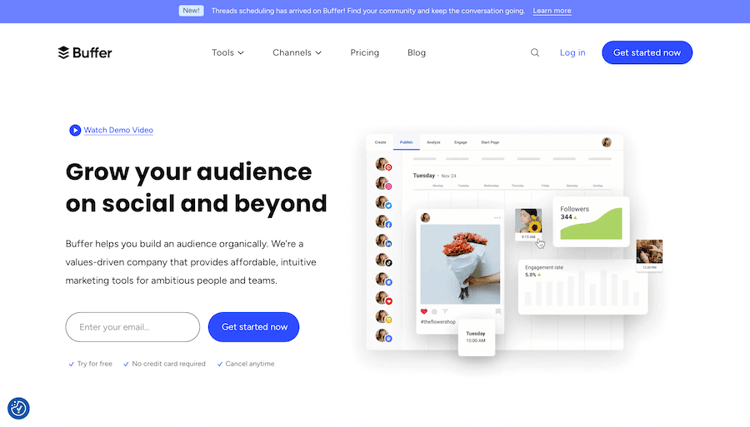
Good at: ease of use. The free plan covers 3 channels with 10 scheduled posts per channel at a time.
Weaker at: no evergreen recycling like RecurPost's, and only basic Pinterest analytics.
Price: Essentials $5 per channel/mo, Team $10 per channel/mo (billed annually). 14-day trial.
Pick it if you want a simple multi-network queue and don't need recycling. See Buffer alternatives.
4. Hootsuite: for larger teams

Good at: team approvals, a shared inbox and cross-network reporting. You can schedule pins to public, private and shared boards.
Weaker at: price. Nothing extra for Pinterest compared with RecurPost.
Price: Standard from $99/mo per user (10 social accounts), Professional from $199/mo, based on annual billing. 14-day trial.
Pick it if you've outgrown RecurPost as a team. See Hootsuite alternatives.
5. Later: visual planning

Good at: a visual calendar across 8 networks, a mobile app, and auto-publishing for image and video pins.
Weaker at: Starter allows 30 posts per profile per month, Pinterest analytics history is capped at 3 months, and there's no recycling.
Price: Starter $18.75/mo, Growth $37.50/mo, Scale $82.50/mo (billed annually). 14-day trial.
Pick it if Instagram and TikTok matter more to you than Pinterest. See Later alternatives.
6. Sprout Social: reporting, at a much higher price
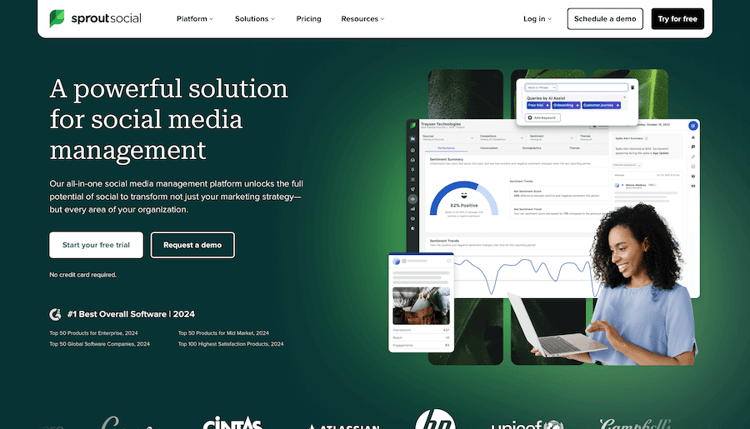
Good at: analytics, including a dedicated Pinterest profiles report. Sprout is a Pinterest Marketing Partner.
Weaker at: it costs many times what RecurPost does, per seat.
Price: Essentials from $79 per seat/mo billed annually ($99 monthly). 30-day free trial.
Pick it if you're an agency or in-house team that needs client-ready reports, and budget isn't the reason you're leaving RecurPost.
7. Canva: design, with light scheduling
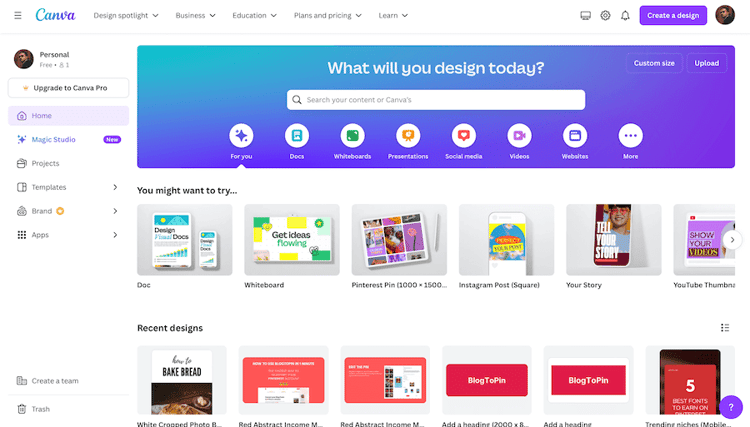
Good at: making pins. Paid plans include Content Planner, which can schedule designs to Pinterest.
Weaker at: volume and recycling. You schedule one design at a time.
Price: free plan; Pro is $18/mo in the US.
Pick it if you need better pin designs. Pair it with a scheduler.
8. SocialPilot: budget multi-network with teams
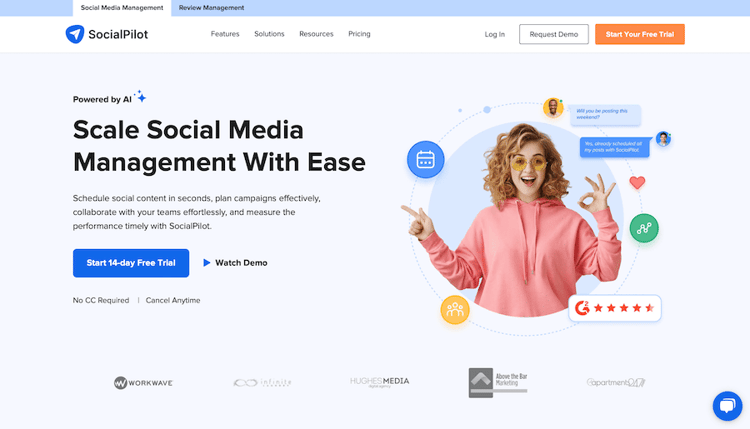
Good at: bulk scheduling, client management, and several users on mid-tier plans.
Weaker at: nothing Pinterest-specific.
Price: Essentials $20/mo (5 accounts, 1 user), Standard $40/mo (10 accounts, 3 users), Premium $100/mo (20 accounts, 6 users). About 15% less billed annually. 14-day trial.
Pick it if you want a multi-network tool with more team features than RecurPost. See Buffer vs SocialPilot.
Should you switch at all?
- Stay on RecurPost if you post to several networks, you only pin to a few boards, and you use the libraries mainly for other networks. At $9 to $25 a month it's one of the cheaper options here; only Buffer's free and per-channel plans undercut it.
- Change how you use it before you leave. Turn off recycling for Pinterest and add new pins with fresh images instead. That alone deals with the biggest Pinterest problem.
- Do the board maths. Count your boards plus your other accounts. If the total pushes you to Agency or lots of $4 add-ons, a Pinterest tool that doesn't count boards may cost the same or less.
- Switch to BlogToPin or Tailwind if Pinterest is your main channel. BlogToPin if you want pins generated from your site; Tailwind if you design them yourself.
- Switch to Buffer or SocialPilot if you mostly want a simpler multi-network queue.
To write keyword-rich pin titles and descriptions for those fresh pins, try our free Pinterest title and description generator. For a wider comparison, see our Pinterest schedulers roundup.


