


Disclosure: we make BlogToPin, so we're biased. We've tried to be straight about where other tools are a better fit, including when Buffer is still the right choice.
Buffer for Pinterest in 2026
Buffer is a general social media scheduler. It's simple to use, it's cheap, and Pinterest is one of its supported channels. For Pinterest business accounts it publishes pins automatically and shows basic analytics. Personal accounts get publishing only.
Price: Buffer charges per channel. Essentials is $5 per channel per month and Team is $10 per channel per month, both billed annually, and both come with a 14-day trial. The free plan covers up to 3 channels with 10 scheduled posts per channel. The AI assistant is included on every plan.
That makes Buffer a good deal if you post to Pinterest, Instagram and LinkedIn a few times a week each. The reasons people look elsewhere are mostly about Pinterest volume and Pinterest-specific features:
- Every pin is made by hand. Buffer doesn't create pins from your website, pick boards for you or spread pins across URLs. That's fine for a few pins a week and slow for a few a day.
- Pinterest analytics are basic. Buffer's pricing page says advanced analytics aren't available for Pinterest.
- The free plan is tight for Pinterest. Ten queued posts per channel is about ten days of pinning once a day.
- No Pinterest SEO tools. There's no Pinterest keyword research or board-level strategy.
Prices below were checked on each vendor's site in October 2026. They change often, so confirm before you buy.
Comparison table
| Tool | Best for | Pinterest-focused? | Starting price | Free plan / trial |
|---|---|---|---|---|
| Buffer (for reference) | Cheap, simple scheduling across networks | No | $5/mo per channel (billed annually) | Free plan (3 channels); 14-day trial |
| BlogToPin | Turning a whole site or store into pins in bulk | Yes, Pinterest only | $39/mo ($25/mo annually) | No free plan; preview pins before paying |
| Tailwind | Hands-on Pinterest scheduling with keyword tools | Yes | $29.99/mo per account ($17.99/mo annually) | Free start, no card |
| Hootsuite | Larger teams managing many networks | No | $99/mo | 14-day trial |
| Sprout Social | Teams that need reporting and approvals | No | $79/seat/mo annually ($99 monthly) | 30-day trial |
| Canva | Designing pins | No | Pro $144/yr | Free plan; Pro trial |
| PinGenerator | Bulk pins from URLs, stores and RSS | Yes | $29.99/mo | Free preview pins, no card |
1. BlogToPin
BlogToPin is our tool. It's Pinterest-only and built to turn the pages of a blog or store into a steady flow of pins.
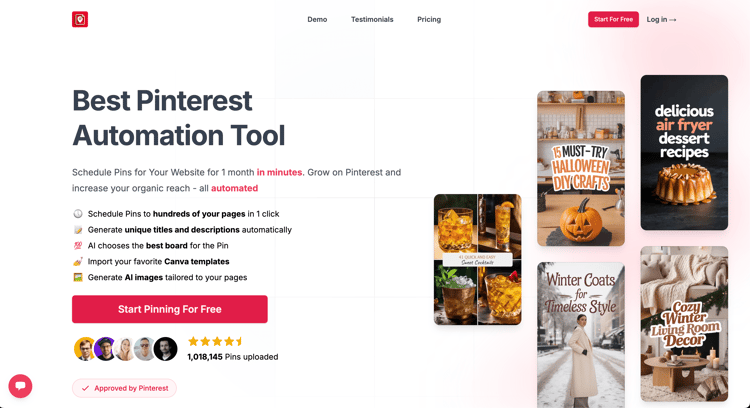
How it differs from Buffer: instead of making each pin yourself, you connect a site. BlogToPin reads your sitemap or RSS feed and creates pins for your pages, with AI-written titles and descriptions, AI-chosen boards, and your templates. It then spreads pins across days and URLs so the same link doesn't appear too often. The sitemap can re-sync daily, and new pages are flagged so you can add them to the schedule.
What it does well for Pinterest:
- Bulk creation: a whole sitemap can become a schedule in one pass.
- Unlimited Pinterest accounts and websites on every plan.
- Templates and colour palettes, plus Canva template import.
- Keyword-driven scheduling, warmup pacing for new accounts, and Shopify and Etsy integrations.
- Automatic deletion of underperforming pins (1 per day on Starter, 12 per day on Agency).
Where it falls short:
- Pinterest only. If you use Buffer for other networks, you'd keep Buffer for those.
- AI pin images use credits. Starter's 200 credits a month covers about 285 best-quality pins, 1,000 budget pins or 200 classic pins. Pins you upload yourself don't use credits.
- It's built for automation, so it's less suited to people who want to hand-design every pin.
- Analytics are basic on Starter, and there's no built-in Pinterest keyword research (our free keyword research tool is separate).
- Fully hands-off daily pin creation is Enterprise-only; on other plans you approve new pins yourself.
- It costs more than Buffer, and there's no free plan or trial. You can set up a site and preview generated pins before paying.
Pricing:
- Starter: $39/month, or $25/month billed annually ($299/year). 200 AI credits, up to 35 pins/day.
- Agency: $79/month, or $50/month billed annually ($599/year). 400 credits, up to 350 pins/day, advanced analytics, priority support.
- Enterprise: $179/month, or $125/month billed annually ($1,499/year). 500 credits, up to 1,000 pins/day, team members and a strategy call.
Pick it over Buffer if Pinterest is a real traffic channel for you and you have more pages to pin than time to make pins.
2. Tailwind
Tailwind is a long-running Pinterest-focused scheduler, and the most direct upgrade from Buffer if you want to keep pinning by hand but with better Pinterest tools.
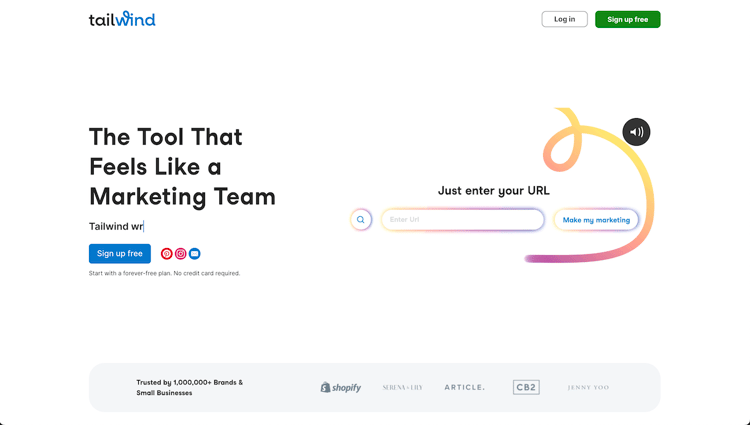
Good for Pinterest:
- SmartSchedule time slots and Pin spacing rules, so you don't repeat the same URL too often.
- Tailwind Create for several pin designs at once, SmartPin for a new pin from a URL each week, and Ghostwriter for AI titles, descriptions and alt text.
- Website sync with Shopify, WordPress, Squarespace and more.
- Keyword research, plus Communities and Turbo to get your pins in front of other creators.
Not so good:
- Pricing is per Pinterest account, which adds up if you run several.
- It runs on credits: scheduling a pin uses 1 credit, the core plan includes 300 a month, and extra credits are $10 per 100.
- Keyword research and engagement tools are separate add-ons.
- The product and pricing now centre on Pinterest. Its help centre still documents Instagram and Facebook scheduling, but it isn't a full multi-network tool like Buffer.
Pricing: "Pin Scheduling & Creation" is $29.99/month, or $17.99/month billed annually, per Pinterest account. The SEO and Engagement add-ons are $14.99/month each ($11.99 annually), or $29.98/month for all three billed annually. You can start free without a card.
Choose it if you have one Pinterest account, want Pinterest-specific scheduling and keyword tools, and are happy to create pins yourself. See Buffer vs Tailwind and our Tailwind alternatives post.
3. Hootsuite
Hootsuite is a full social media suite for teams. Its scheduler is now called Perch, part of Hootsuite's Social OS.

Good for Pinterest: schedule pins to public, private and shared boards, pin to several boards at once, create boards, and run approvals alongside your other networks. AI help for captions and images is built in, and Canva templates are available in the composer.
Not so good: it's designed and priced for teams. Compared with Buffer, you pay much more for things a solo Pinterest marketer may not need, and you still create each pin yourself.
Pricing: from $99/month (Standard, up to 10 social accounts), with higher plans at $199 and $399. 14-day free trial, no free plan.
Choose it if you've outgrown Buffer because of team size, approvals or reporting, not because of Pinterest. See Buffer vs Hootsuite.
4. Sprout Social
Sprout Social is a premium social media platform built around reporting and team workflows.
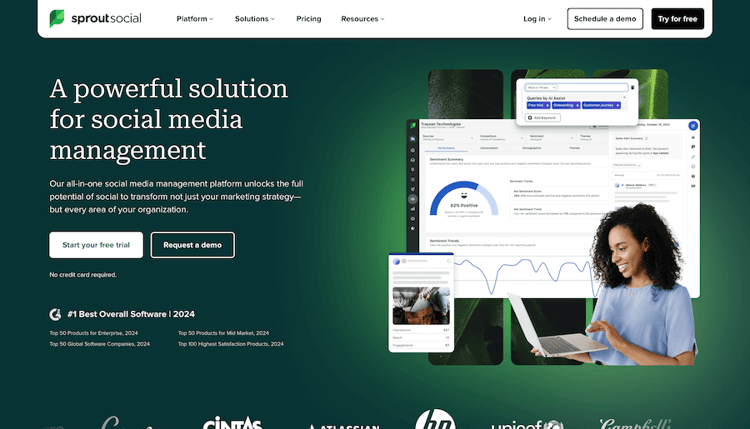
Good for Pinterest: schedule image pins, board pins and (since June 2026) video pins, choose or create boards from the composer, and use ViralPost to pick send times. Pinterest reporting sits alongside your other networks, which helps if you report to clients or managers.
Not so good: per-seat pricing gets expensive fast. Sprout says multi-image pins and Shopping pins still have to be created in Pinterest directly, and there's no bulk pin creation.
Pricing: Essentials is $79 per seat per month billed annually, or $99 billed monthly. Higher plans are $199, $299 and $399 per seat. 30-day free trial.
Choose it if reporting and approvals across networks matter more than Pinterest volume. See Buffer vs Sprout Social.
5. Canva
Canva is a design tool rather than a scheduler, but it's where a lot of pins get made.
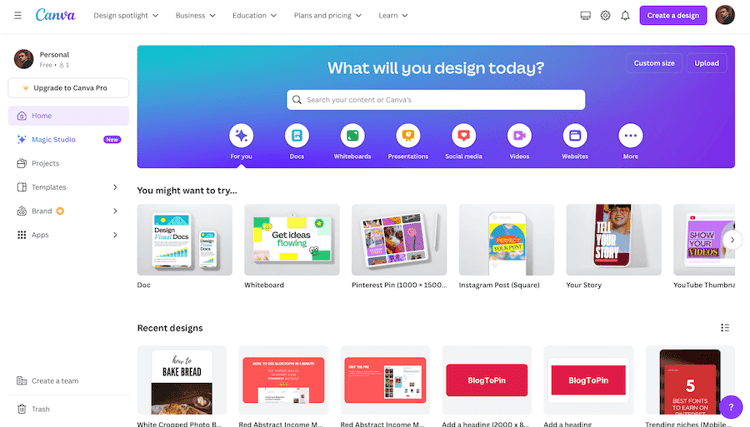
Good for Pinterest: a large template library, an easy editor and pin-sized formats. You can publish image pins to Pinterest from the Share menu.
Not so good: no AI titles or descriptions for pins, no board selection help and no bulk pin scheduling. Canva's current help page lists only Instagram and Facebook as schedulable in its Content Planner, so check the Share menu in your account if you need scheduled pins.
Pricing: free plan available. Canva Pro is US$144/year for one person, with a Pro trial available.
Choose it if design is the weak spot. Canva pairs well with Buffer or any of the tools here; BlogToPin and PinGenerator can import Canva designs. For quick one-off pins, try our free Pinterest pin maker. See also Buffer vs Canva.
6. PinGenerator
PinGenerator is a Pinterest-focused automation tool and BlogToPin's closest competitor.
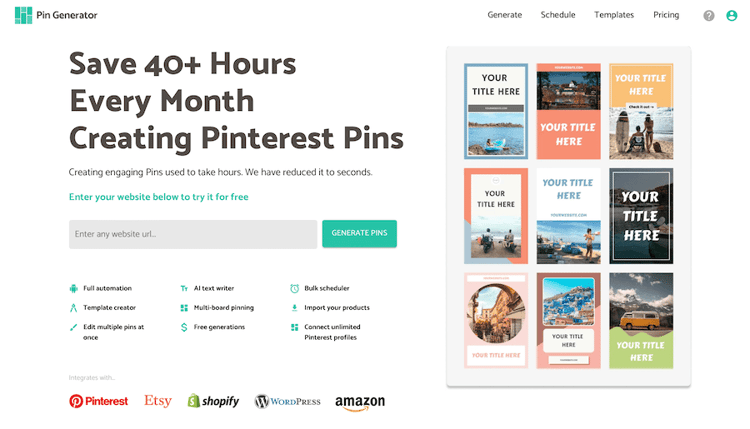
Good for Pinterest: it scans a URL or sitemap to generate pins, runs "auto pins" from your design settings, writes titles and descriptions with AI, and imports Canva designs. It connects to Shopify, Etsy, WooCommerce, Amazon, Walmart, WordPress and RSS, supports unlimited Pinterest profiles, and includes keyword research.
Not so good: everything is credit-based. Scheduling a pin is 1 credit, AI text 0.5, a video pin 5 and AI images 12 or 24, so heavy AI-image use adds up. Pinterest only, like BlogToPin.
Pricing: Pro is $29.99/month for 1,000 credits, Growth $49.99/month for 4,000 and Agency $69.99/month for 10,000. A 20% sale was running when we checked, and annual billing saves up to 41%. No free plan, but free preview pins are available without a card.
Choose it if you want site-to-pin automation and its credit model fits your volume. We compare it with our own tool in PinGenerator vs BlogToPin. See also Buffer vs PinGenerator.
Should you switch from Buffer at all?
Stay on Buffer if:
- Pinterest is one of several channels and you post a few pins a week.
- Cost is the main constraint. At $5 per channel, Buffer is inexpensive for multi-network posting.
- You're happy making pins in Canva and queuing them by hand.
Move to a Pinterest-focused scheduler (Tailwind) if:
- You pin daily to one account and want pin spacing, smart time slots and Pinterest keyword research.
Move to a bulk Pinterest tool (BlogToPin, PinGenerator) if:
- You have a large back catalogue of posts or products that has never been pinned.
- You run several Pinterest accounts or sites.
- Making each pin by hand is what's stopping you from pinning consistently.
Move to a team suite (Hootsuite, Sprout Social) if:
- Your problem is approvals, client reporting or seat management across networks, not Pinterest itself.
A common setup is to keep Buffer for your other networks and add a Pinterest tool alongside it. If you do, remove Pinterest from Buffer so the two tools don't pin the same links twice.
For more options, see our guide to Pinterest schedulers.


