


Disclosure: we make BlogToPin, so this comparison is written by one of the two sides. PinGenerator facts come from pingenerator.com and its pricing page, checked in October 2026. Both products change often, so check before you buy.
PinGenerator and BlogToPin are both Pinterest-only tools that turn a website or store into a steady flow of pins. They overlap a lot. The main differences are how you pay (credits per action vs a daily pin limit) and how each one approaches automation.
Quick comparison
| PinGenerator | BlogToPin | |
|---|---|---|
| Entry price (monthly) | Pro $29.99/mo (20% flash sale when we checked) | Starter $39/mo |
| Annual billing | Cheaper; the site says up to 41% off | Starter $25/mo ($299/year) |
| How usage is limited | Credits per action (1,000/mo on Pro) | Pins per day (35 on Starter) plus 200 credits for AI images |
| AI titles and descriptions | 0.5 credits per pin | Unlimited |
| AI images | 12 or 24 credits per image | 0.2 to 1 credit per pin, depending on quality |
| Pinterest accounts | Unlimited | Unlimited |
| Sources | URL or sitemap, RSS/Atom, Shopify, Etsy, Amazon, WooCommerce, CSV | Sitemap, RSS, uploads, Shopify, Etsy |
| Video pins | Creates video pins (5 credits each) | Upload your own videos (up to 10 MB) |
| Keyword research | Built-in tool and trend alerts | Keyword-based scheduling; free keyword tool is separate |
| Analytics and pin cleanup | Profile audit, pin history, pin cleanup | Analytics with breakdowns, auto-delete of underperforming pins |
| Approval before scheduling | Approval queue for automation and RSS pins | You review generated batches; Enterprise can auto-create pins for new pages daily |
| Free option | Free account credits and free preview pins, no card | No free plan or trial; you can generate and preview pins before paying |
Pricing and credits
PinGenerator
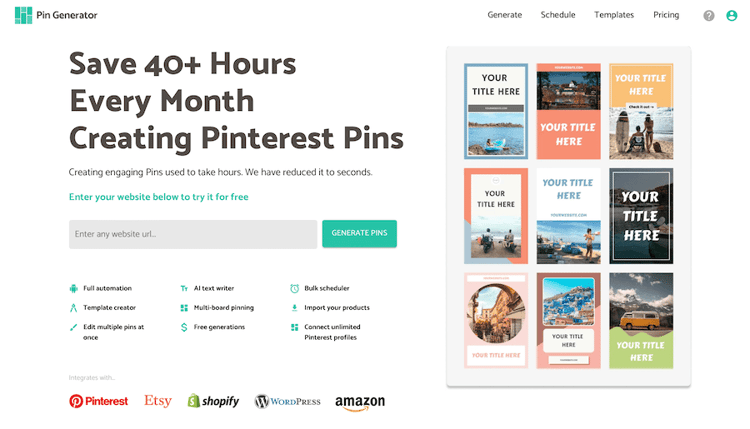
PinGenerator charges in credits. Its current plans:
- Pro: $29.99/month, 1,000 credits
- Growth: $49.99/month, 4,000 credits
- Agency: $69.99/month, 10,000 credits
When we checked, a 20% "flash sale" brought these to $23.99, $39.99 and $55.99, and annual billing is cheaper again. The older $16.99 Starter plan is no longer on the pricing page.
Credit costs per action: scheduling or downloading a pin is 1 credit, AI text 0.5, AI alt text 2, automatic SEO and trend targeting 2, a video pin 5, and an AI image 12 (lite) or 24 (high quality).
What that means in practice on Pro: a template pin with AI title and description costs 1.5 credits, so 1,000 credits covers about 660 pins a month. Add AI alt text and it's 3.5 credits, or about 285 pins. A pin with a high-quality AI image, AI text and scheduling costs 25.5 credits, so about 39 of those.
On the plus side, there's no daily pin cap. PinGenerator advertises "unlimited pins per day" and unlimited Pinterest profiles.
BlogToPin
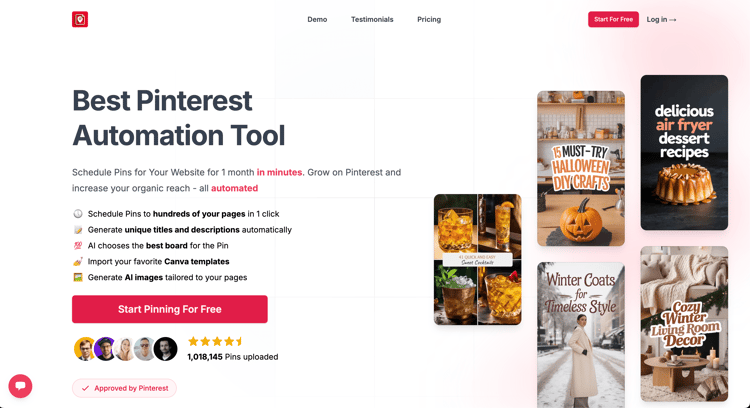
BlogToPin limits pins per day instead of charging per action:
- Starter: $39/month or $25/month billed annually. Up to 35 pins/day (about 1,000/month), 200 AI credits.
- Agency: $79/month or $50/month billed annually. Up to 350 pins/day, 400 AI credits, advanced analytics, priority support.
- Enterprise: $179/month or $125/month billed annually. Up to 1,000 pins/day, 500 AI credits, team members, automatic daily pin creation for new pages.
AI titles, descriptions and board choice are unlimited on every plan. Credits are only used for AI-generated pin images, at 0.2 to 1 credit per pin depending on the quality you pick (Starter's 200 credits make about 285 best-quality AI pins). Pins made from your own site images with templates, and pins you upload, don't use credits.
Which is cheaper? It depends on how you pin. If you pin modestly and don't use much AI, PinGenerator Pro is cheaper. If you want AI text on every pin at 20 to 35 pins a day, BlogToPin Starter's flat price usually works out lower. If you want lots of AI-generated images, compare the credit maths for your own volume.
Automation
PinGenerator
PinGenerator's automations run from a nine-step setup: pins per day, source (sitemap, store or RSS feed), design profile, SEO targeting and boards. It then creates a fresh batch every week or every month. It also has repeating pins, a smart scheduler, CSV pin generation, a bulk affiliate-link updater, and a beta AI chat that can create and schedule pins from Claude, ChatGPT or Cursor through MCP.
Pins created by automations and RSS feeds can wait in a post approvals queue. PinGenerator says Pinterest asked it to add this step, in line with Pinterest's developer guidelines that users should consider each pin before it's scheduled.
BlogToPin
BlogToPin reads your sitemap or RSS feed and creates pins for every page you select in one pass. AI writes the title and description and picks the board for each pin, and you can give it your own prompt. It then spreads the pins across your schedule with a minimum gap between pins for the same URL, and you can drive scheduling by the keywords you assign to each page (or bulk-upload keywords from a CSV).
You can filter source images: set a minimum image size, and skip images with text already on them so they look right in templates. The sitemap can re-sync daily. On Starter and Agency, new pages are flagged and you choose which ones to add. On Enterprise, pins for new pages can be created automatically every day.
There's an optional warmup mode that lowers daily volume for the first 30 days on a new Pinterest account.
Summary: both automate well. PinGenerator is built around recurring batches and has more sources. BlogToPin is built around scheduling a whole site at once with URL spacing and keyword targeting.
Design
PinGenerator
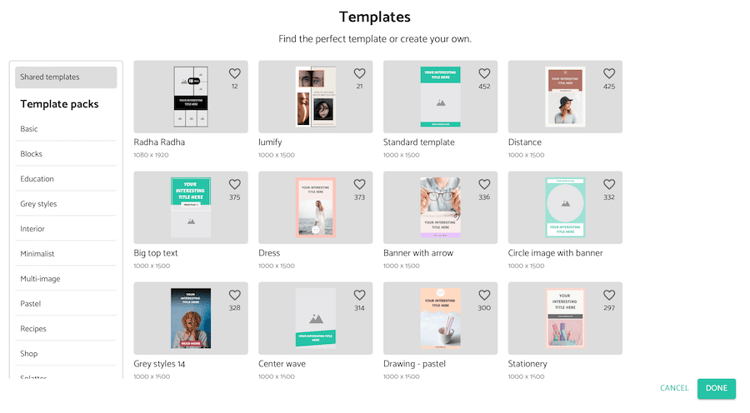
PinGenerator has 100+ templates you can duplicate and edit, a template builder for your own layouts, multi-image collage templates, brand profiles (colours, fonts, logo), stock images and videos, and Canva import. It can also make fully AI images from a design profile without a template.
BlogToPin
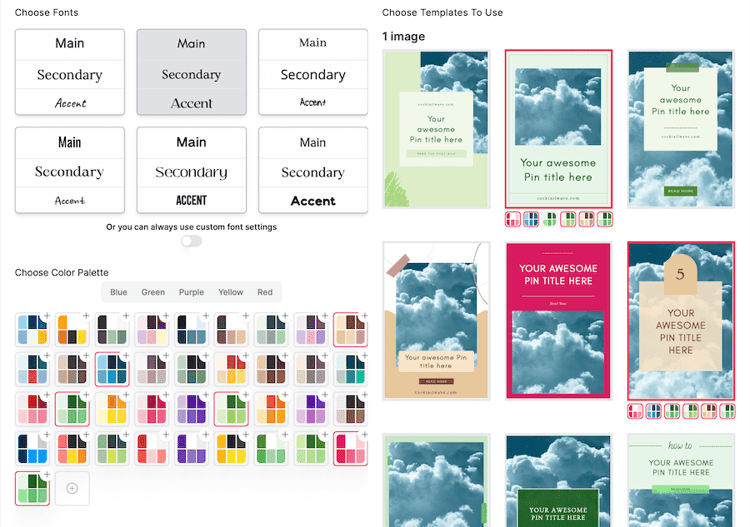
BlogToPin has built-in templates and colour palettes, can match palettes to your images, lets you edit templates and individual pins, and can import Canva templates. AI pins create a unique image per pin.
Summary: PinGenerator has the bigger template library and more design inputs (stock media, video). BlogToPin's in-app editor is simpler and leans on Canva import if you want detailed custom designs.
Analytics and cleaning up old pins
PinGenerator
PinGenerator now has a profile audit that scores your account using profile fields, boards, a sample of pins and the last 90 days of analytics, and lists fixes such as empty boards, missing descriptions and weak pins. It also has pin history and a pin cleanup page for removing poorly performing pins. (An earlier version of this post said PinGenerator had no analytics or pin deletion. That's no longer true.)
BlogToPin
BlogToPin has built-in Pinterest analytics: top pins, trends, and breakdowns of results by board, template, keyword, title pattern, description length and posting time. Starter has basic analytics; Agency and Enterprise have advanced analytics. It can delete underperforming pins automatically, up to 1 per day on Starter and 12 per day on Agency.
Getting started
PinGenerator
PinGenerator is quick to start: paste a URL or connect a store, and it will make free preview pins in your brand colours without a card. Free accounts get some credits to try the full workflow.
BlogToPin
BlogToPin asks for more setup: a sitemap or feed, templates and a schedule. It pays off if you want to pin a whole site, but it's slower for a single page.
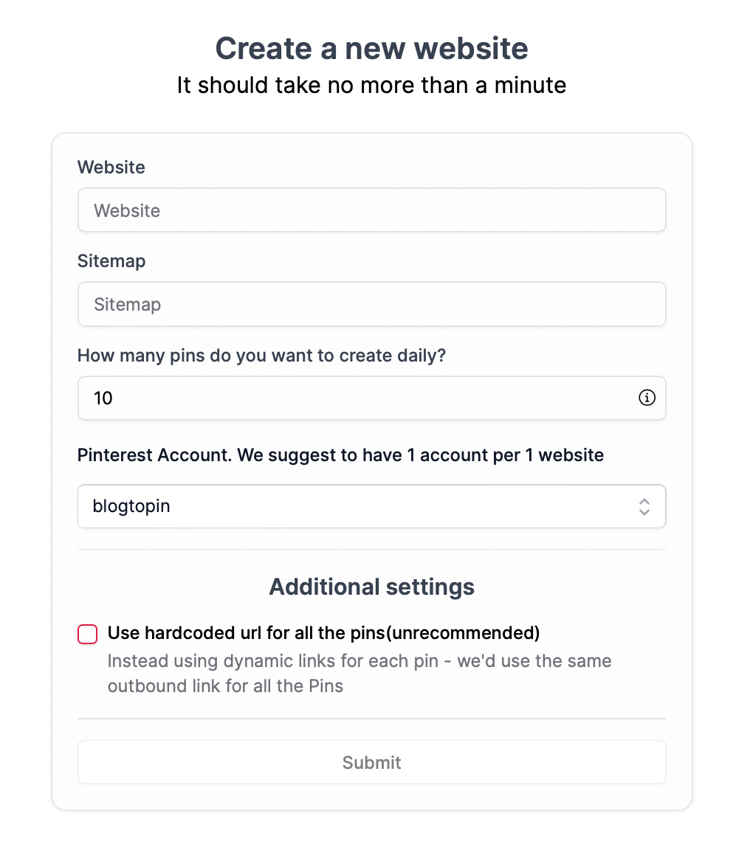
There's no free plan or trial. You can connect a site and preview generated pins before you pay. BlogToPin also has free tools that don't need an account, like the Hashtag Generator and Title Description Generator.
AI features
PinGenerator
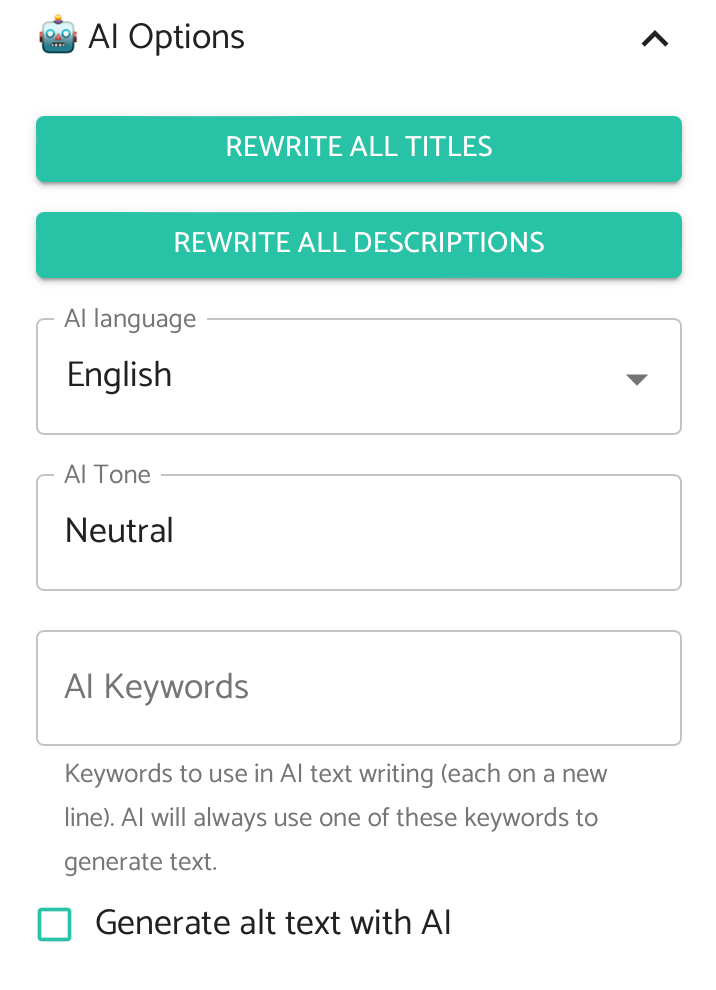
PinGenerator writes titles, descriptions and alt text with AI, can research Pinterest keywords for each batch ("automatic SEO and trend targeting"), and generates AI images with Nano Banana 2 models. Each of these costs credits, so heavy AI use is where its bills grow.
BlogToPin
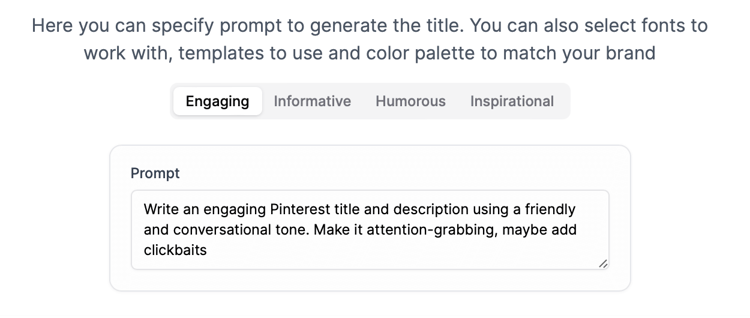
BlogToPin writes titles, descriptions and alt text and chooses boards for every pin by default, with a custom prompt if you want a particular voice. Text and board choice don't use credits. AI images do, at three quality levels.
Which should you choose?
PinGenerator is the better choice if:
- You want to try the whole workflow before paying. Its free account includes credits you can use to schedule pins, while BlogToPin only lets you preview pins before you pay.
- You pin at modest volume and want the lowest monthly price.
- You need sources BlogToPin doesn't cover, like Amazon, WooCommerce, CSV or Pinterest product catalogs, or you want to create video pins inside the tool.
- You want built-in keyword research and trend alerts.
- You'd like a big template library and stock media inside the tool.
BlogToPin is the better choice if:
- You want AI titles and descriptions on every pin without counting credits.
- You have a large site and want every page scheduled in one pass, with spacing between pins for the same URL.
- You want keyword-driven scheduling and breakdowns showing which boards, templates and keywords drive clicks.
- You manage many sites or accounts and want a flat price per plan.
What neither does: post to other networks. PinGenerator's sister product, Content Generator, covers Instagram, LinkedIn, X and Facebook as a separate tool.
If you're also weighing Tailwind or general schedulers, see our Tailwind alternatives, the PinGenerator vs Tailwind page, and our list of Pinterest automation tools.


